From your pet’s photo
Pet Memorial Portraits from Photos
A familiar photo can become a quiet keepsake of a pet you miss. Start with one image, choose Memorial Watercolor, and add a name or memorial dates if you’d like.
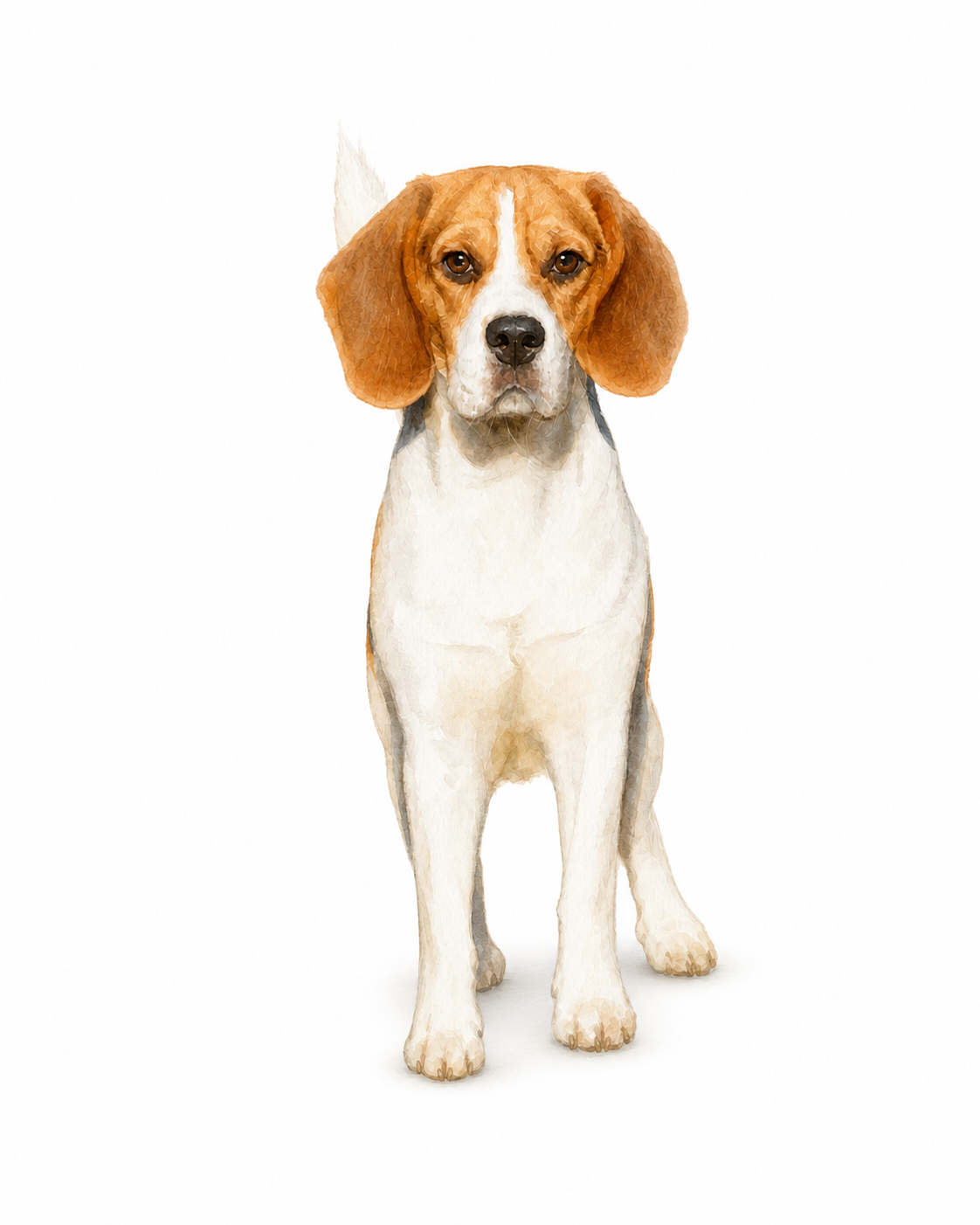
Make a keepsake from a photo you already have
Start with the photo you remember
A familiar expression is a good starting point. If you have several copies, choose the clearest original with the eyes visible. Avoid cropping away the ears when preparing a head portrait.
Decide whether to add a name or dates
You can keep the portrait simple or personalize it with your pet’s name, the optional “In loving memory” line, and a year range. Check the spelling and placement in the preview before selecting a clean PNG.
Choose how you want to keep it
A digital file is easy to share with family. If you would rather display it at home, compare available framed prints and sizes under Custom Products.
Common Questions
Can I use an older photo of my pet?
Yes, if the file meets the upload requirements and your pet’s face is clear. Use the highest-quality original or scan you can find. The Photo Guide explains the size and clarity requirements.
Do I have to add memorial dates?
No. Memorial text and years are optional. You can include your pet’s name alone, add the memorial details, or leave the portrait without text.