Upload one clear pet photo
Add one main photo in JPG, PNG, WebP, HEIC/HEIF, or AVIF. Clear eyes and natural light help the most.
How it works
Preview for free, with or without a pet name. When you are happy with a result, choose the quality of your clean PNG.
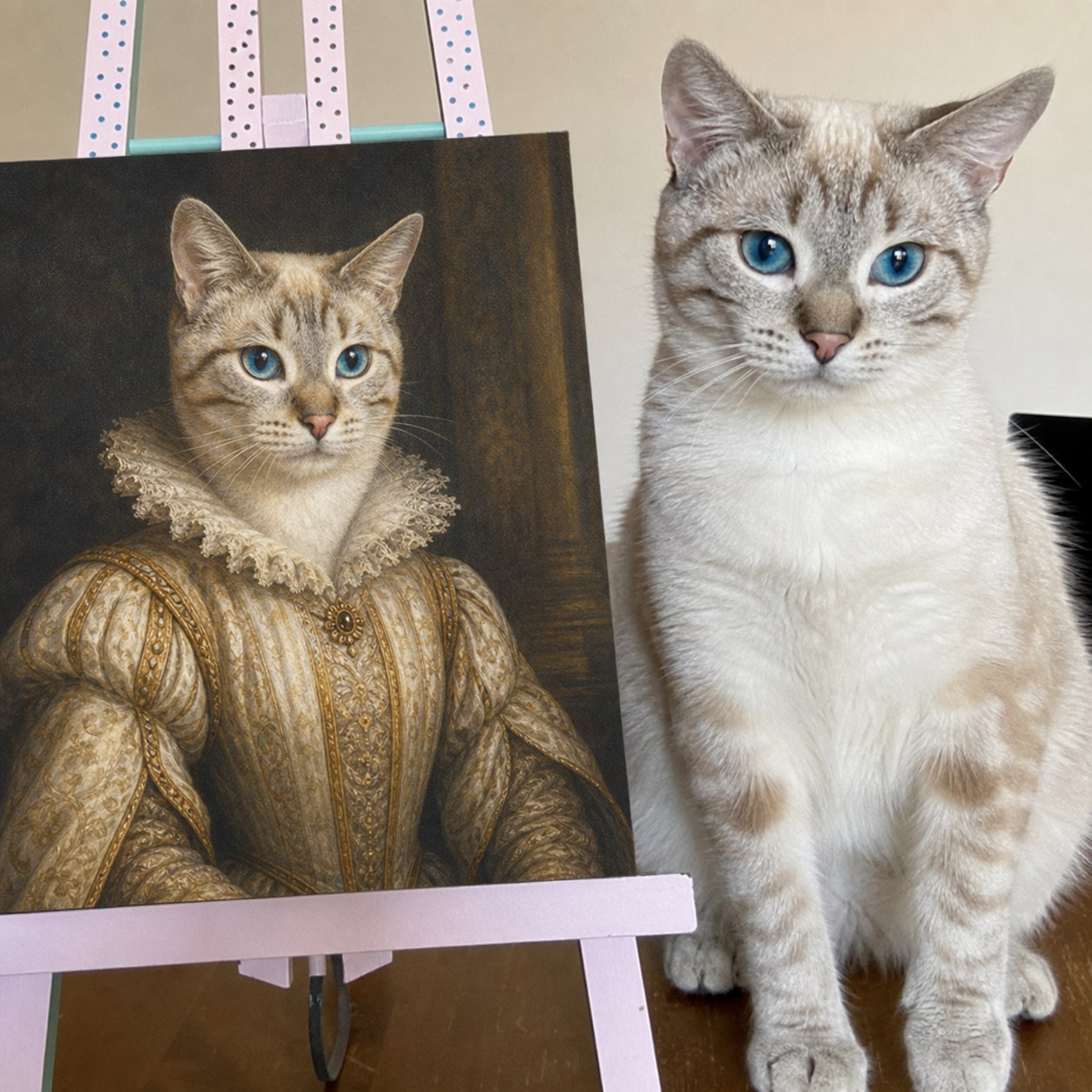
Each step has one job, so users always know what happens next.
Add one main photo in JPG, PNG, WebP, HEIC/HEIF, or AVIF. Clear eyes and natural light help the most.
Pick watercolor, royal, renaissance, modern studio, line art, or sticker-ready looks.
Every preview is 1K, low quality, and watermarked. No credits or free portraits are used.
Use your free allowance for 2K medium quality, 1 credit for 2K high quality, or 2 credits for 4K extra high quality.
Watermarked previews are unlimited and free. A 2K high-quality PNG uses 1 credit, and a 4K extra-high-quality PNG uses 2 credits.
Preview first, then use one available free portrait for a 2K medium-quality PNG. Downloading a finished file again does not use another credit or free portrait.
These points should be easy to find before a customer uploads photos or pays.
Upload a clear pet photo, choose your options, then preview as often as you like. Choose your clean PNG only when you are happy with a preview.