From your pet’s photo
Custom Cat Portraits from Your Photo
A favorite look, an uneven patch of fur, or the way your cat tilts their head can make a portrait feel personal. Choose a photo where those details are easy to see, then try a free watermarked preview.
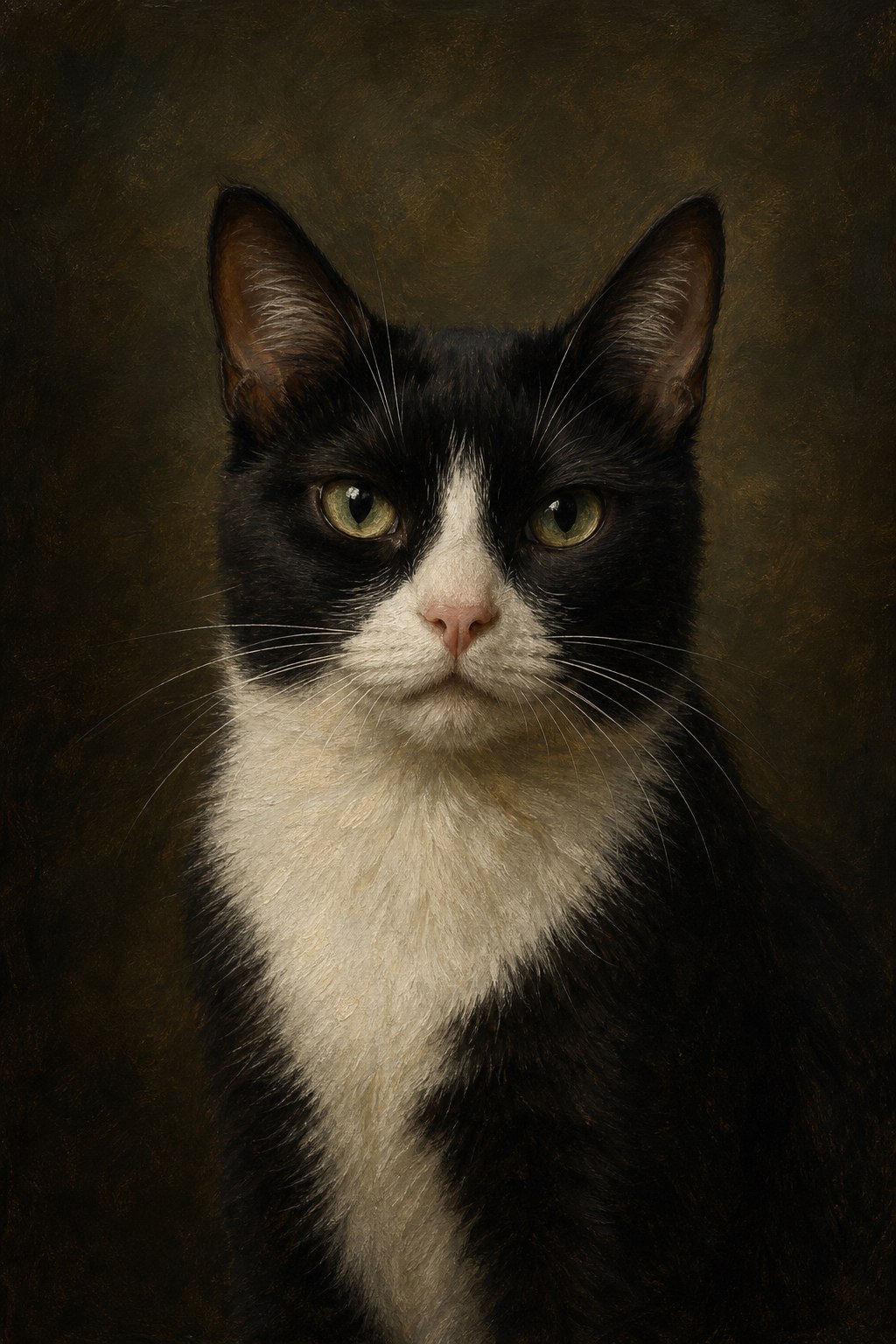
Bring out the details that make your cat recognizable
Look for catchlights and whiskers
Soft light from a window can make the eyes and whiskers easier to see. For dark coats, choose a photo that still shows detail on the shadowed side of the face.
Leave room for ears or tail
If the photo is already cropped tightly, choose Head Portrait. For a curled-up or sitting pose, start with a wider image that shows the part of the body and tail you want included.
Compare a quiet and a dramatic finish
Try Soft Watercolor for a lighter look or Classical Oil Painting for richer shadows. Review the eye color and facial markings in the preview before choosing a clean file.
Common Questions
What if my cat has black fur?
Choose a photo taken in soft daylight with visible fur texture around the eyes and nose. A brighter background can also help separate the outline of your cat from the surroundings.
Can I put my cat’s name on the portrait?
Yes. Adding a pet name is optional. Set the name and its placement before generating a preview so you can see it on the artwork first.