Photo guide
Upload a photo that gives your pet a better preview.
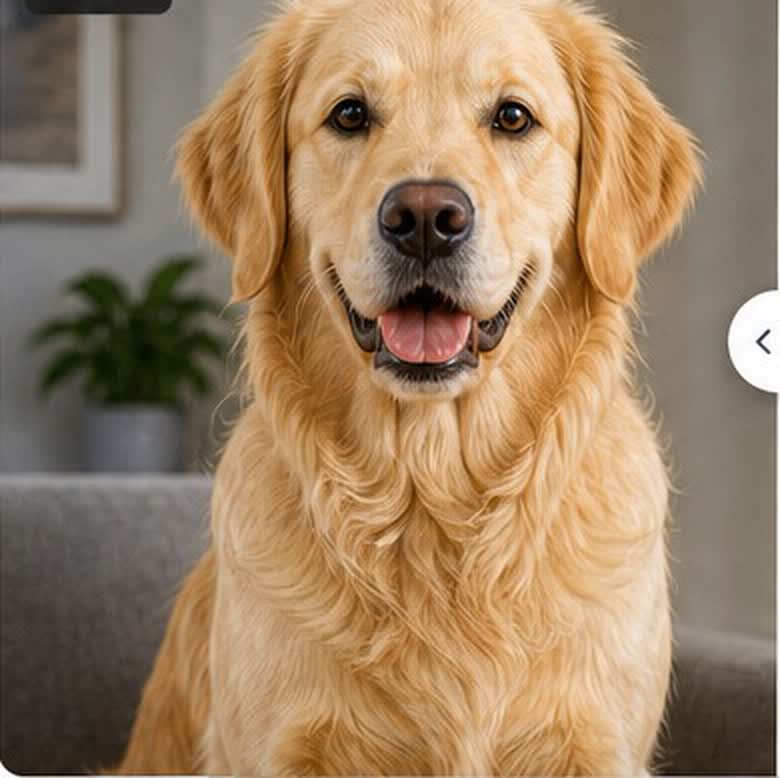
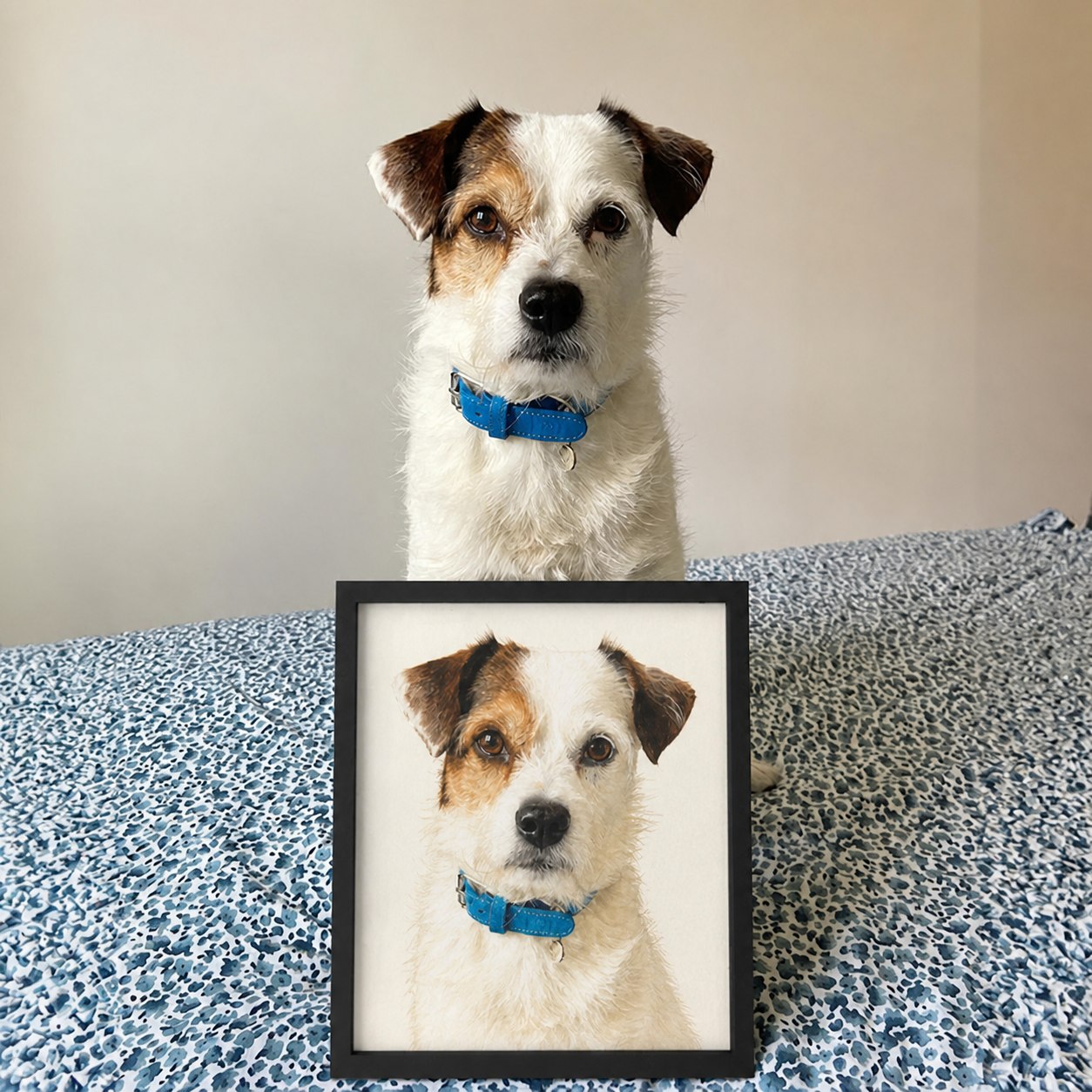
Clear face, natural light, and visible features help Pet Portrait Works create stronger AI-generated portraits.
What a good pet photo needs
You do not need a studio camera. A clear phone photo with honest light is usually enough.
Face the camera
Use a front-facing or slight three-quarter photo where both eyes and the nose are easy to see.
Use soft daylight
Window light or bright shade works best. Avoid harsh flash, heavy shadows, and strong backlight.
Keep the head in frame
Leave the ears, chin, and chest visible when possible. Cropped ears make portrait styling harder.
Pick a sharp image
Upload the clearest version you have. Blurry fur, motion blur, and screenshots reduce detail.
One pet per reference
If you want a single-pet portrait, use photos where that pet is the clear subject.
Show natural color
Photos with true fur color help the preview keep the pet recognizable across styles.
Photos to avoid
These images can still upload, but they often create previews with weaker facial detail or less accurate fur.
Tiny pets far away from the camera
Flash glare or glowing eyes
Heavy filters from social apps
Low-resolution screenshots
Busy photos with several pets touching
Costumes that hide the ears, eyes, or face
Not sure which photo to use?
Choose the clearest main photo first. If you want to compare another angle, replace the photo before generating.